Every line rings at once at 8:30 AM.
KEDO answers the overflow, books the appointment and logs the admin — so callers do not hang up and re-dial when it gets quieter.
AI call answering for GP & family practices
Appointments, admin questions and callback requests handled on the number you already advertise — with anything clinical routed to your team, never answered by the agent. The desk stays with the patient in front of it; the phone still gets picked up.
Fully operational in 72 hours. Month to month, cancel anytime.
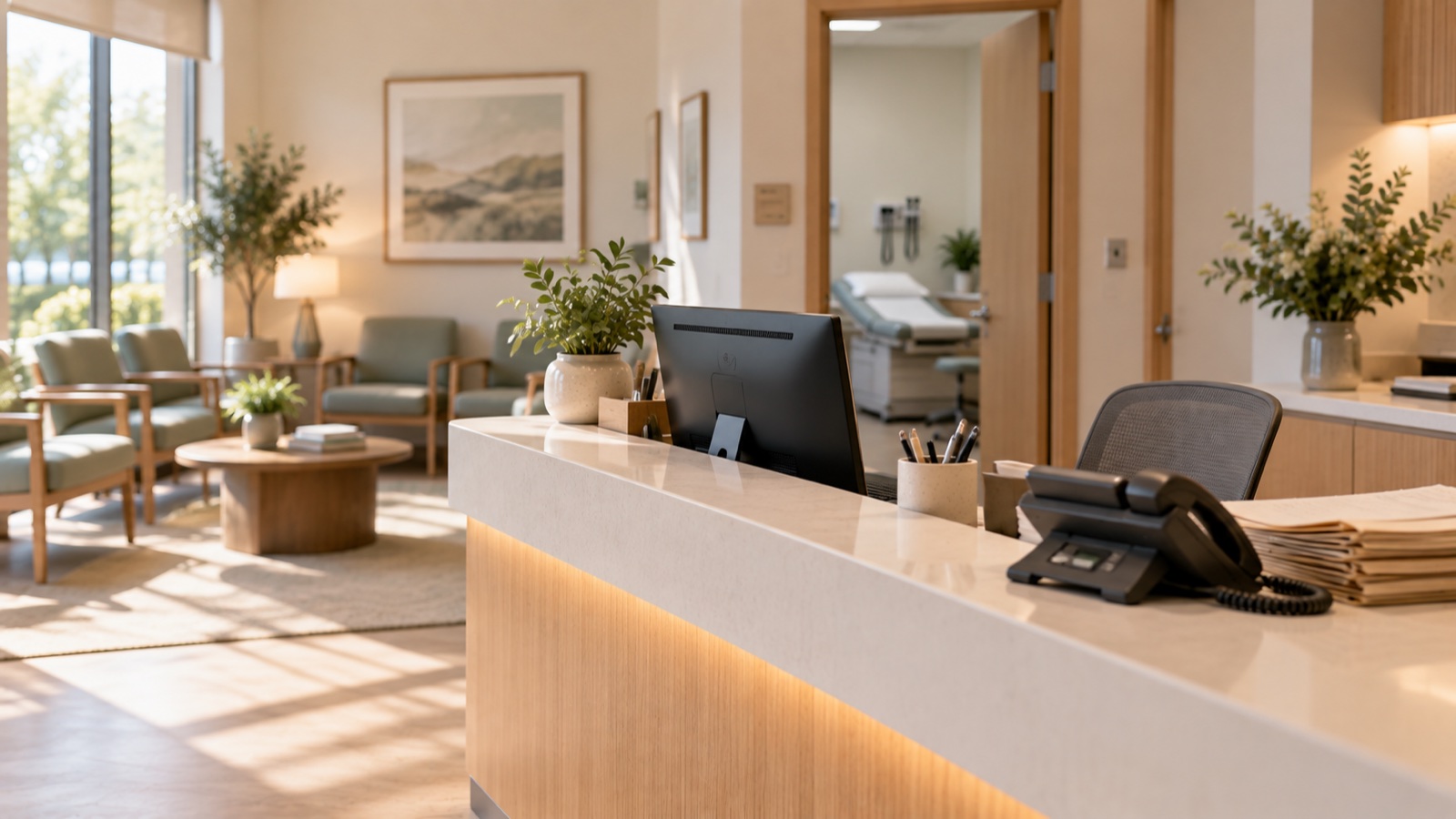
Where the practice phone leaks
One desk, two lines, a queue at the window and a patient on the phone. Something has to give — and it is always the ringing line.
KEDO answers the overflow, books the appointment and logs the admin — so callers do not hang up and re-dial when it gets quieter.
KEDO captures the request and creates the callback or admin task for the right team member. The clinical answer never comes from the agent.
After-hours and lunchtime calls get answered, appointments get booked, and reminders reduce the no-shows that cost everyone a slot.
What KEDO does on every call
The same chain that runs on the homepage, applied to the way a GP practice actually runs its day.
On the number you already advertise — including the lunchtime peak and the evening calls the desk never hears.
KEDO separates the request in the caller's own words: booking, admin question, urgent concern, or something that needs a clinician.
Appointments are checked against the calendar you already run. Clinical requests become callback tasks with the details captured — never advice.
Bookings are confirmed and reminders sent, so patients arrive prepared and slots do not empty out.
KEDO follows your approved emergency policy — your instruction, delivered at the right moment, and the practice alerted.
No-show follow-up, routine recalls and review requests run on schedule — quietly, in the background.
Runs on your existing phone number and connects to the calendar and systems you already use. If a call falls outside what KEDO can handle, the details are captured so your team can call back.
The calls it handles
KEDO never gives clinical advice, never discusses results, and never assesses urgency itself. Your protocols decide; the agent follows them.
Walkthrough
Three minutes, no slides. A phone rings, KEDO picks up, the caller's reason is captured, and the appointment lands in the diary before the call ends.
Full walkthrough: incoming call to booked appointment, start to finish.
3 MINGP questions
KEDO follows your approved emergency policy: it gives your emergency instruction immediately and alerts the practice. It never attempts to assess or manage the situation itself.
No. Results, prescriptions and clinical questions become callback or admin tasks for your team, with the details captured. KEDO handles the request, not the clinical answer.
Yes. KEDO absorbs the calls the desk cannot reach: evenings, weekends, lunch, overflow lines and repetitive admin questions, so the team can stay with the patients in front of them.
Yes to both. KEDO answers the number you already advertise and books into the calendar or system you already run. Onboarding connects everything and tests it with you before it goes live.
One setup fee and one flat monthly price, shown in the pricing section. No per-call surprises. Fully operational in 72 hours and runs month to month, cancel anytime.
KEDO Health
Bring one real call your practice lost last month. We will show you where it would have gone instead.